Canva vs a Biodata Maker: Which Is Better for a Marriage Biodata?
By ModernShaadi · 16 October 2026 · 5 min read
On this page
Use Canva if you enjoy designing and want complete control over every element of the page. Use a biodata maker if you want a finished, well-laid-out marriage biodata in a few minutes: the sections are already there in the order families expect, you only type the details, and the layout adjusts itself.
Many families start in Canva and switch, because placing every line by hand on a phone is slow. Others are happy designing from scratch.
In short
- Canva: most creative freedom; you set up every heading and line yourself. Best on a laptop, for people who like design.
- Biodata maker: fastest; the right sections, blessing and layout are ready. Best on a phone, and for parents.
- Both: download a PDF for printing and an image for WhatsApp.
Canva vs a biodata maker at a glance
| Canva | Biodata maker (such as ModernShaadi) | |
|---|---|---|
| Starting | Free Canva account; pick a general template | Answer three questions; a full draft appears |
| Sections and order | You type every heading and label yourself | Personal, horoscope, education, family, preferences and contact are built in, in the usual order |
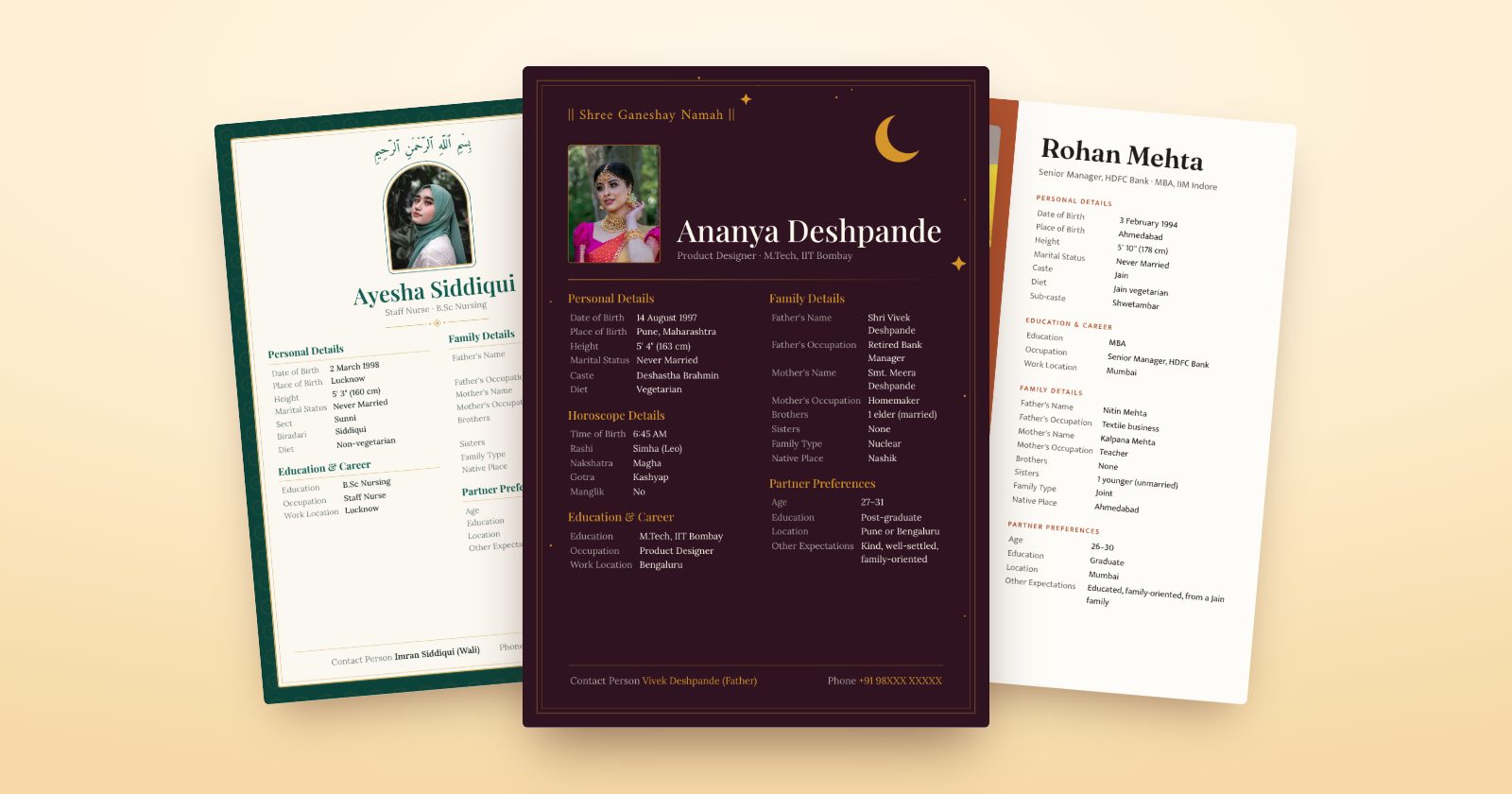
| Blessing at the top | Add it yourself | Chosen for your community (for example "Shree Ganeshay Namah" or Bismillah) |
| Long names or extra details | Text boxes can overflow; you resize by hand | The text shrinks to keep everything on one page |
| Photo | Drag in and crop by hand | Crop guide made for biodata photo frames |
| Hindi | Possible with Hindi fonts; you type every heading in Hindi | Headings and blessing switch to Hindi in one tap |
| Privacy | Everything you type is on the page | Hide phone number, address or income with a switch |
| Time on a phone | Longer: every line is placed by hand | About five minutes |
| Cost | Free plan; some templates and elements need Canva Pro | ModernShaadi: one plain design free to download; premium designs ₹249 for the PDF and WhatsApp image |
| Video | Possible, but you build it scene by scene | ModernShaadi: a 30-second video biodata from the same details (₹399) |
When Canva is the better choice
- You enjoy designing. Canva lets you move every element, try any font and add your own illustrations.
- You want something unusual. A collage, a horizontal layout or a design that matches a wedding theme are easy to build freely.
- You're on a laptop and have time. Canva is at its best with a large screen and a mouse.
- You already pay for Canva Pro, so premium templates and elements cost nothing extra.
When a biodata maker is the better choice
- You want it done today. You only type details; you don't arrange headings, lines and spacing.
- Parents are making it on a phone. Large buttons and a ready layout are easier than dragging text boxes on a small screen.
- You want the usual sections in the usual order. Families look for details in a familiar place, and a biodata maker gets that right by default.
- You want Hindi. The headings and blessing change language for you.
- You want privacy switches. Hiding the phone number or income for a version you forward widely takes one tap.
- You want a video biodata too. The same details become a short video for WhatsApp.
If you choose Canva: five tips
- Use A4 size so the biodata prints properly. Many "biodata" templates are made for phone screens.
- Keep it to one page, with text no smaller than 10 points, so it stays readable when printed.
- Check the order of sections: personal details, horoscope (if your family uses it), education and career, family, preferences, contact.
- Preview it on a phone before sending, because most people will first see it on WhatsApp.
- Download twice: "PDF Print" for printing and PNG for WhatsApp.
How to make a biodata in a biodata maker
On ModernShaadi:
- Answer three questions: who it's for, your community and the name.
- Fill in the ready-made biodata and watch it update as you type.
- Pick one of 11 designs (the plain Sahaj design is free), with colours and lettering, in English or Hindi.
- Hide anything you'd rather not share widely.
- Download a print-quality PDF and a WhatsApp image.
The plain Sahaj design is free to download, with no sign-up. Have an old biodata, even one made in Canva? Upload a photo or PDF of it and the details are filled in for you.
For what to write in each section, see our marriage biodata format guide and 50 About me examples.
Frequently asked questions
Is Canva free for making a marriage biodata?
Canva has a free plan with many biodata-style templates, and you can download a PDF or image without paying. Some templates, fonts and elements are marked Pro and need a Canva Pro subscription.
Which is faster, Canva or a biodata maker?
A biodata maker is usually much faster, especially on a phone, because the sections and layout are already done and you only type the details. In Canva you set up and arrange every heading and line yourself.
Can I make a Hindi biodata in Canva?
Yes. Canva supports Hindi text with Devanagari fonts, but you'll type every heading in Hindi yourself. In a biodata maker with Hindi support, the headings and blessing switch to Hindi automatically.
Can I print a biodata made in Canva?
Yes. Set the design to A4 and download it as "PDF Print" for the sharpest result.
Do I need to sign up to use ModernShaadi?
No. You can make, preview and download your biodata in the free Sahaj design without signing up. A mobile number is needed only when you pay for a premium design or the video.